Universal remotes that list series codes (what they miss)
Stock note (2026-09-11 recheck): Amazon links below were live at publish recheck. OOS ASINs were removed from CTAs.
Universal remotes sell on big device / series / setup code lists. Those lists are real—and they are also incomplete in ways that waste a week of “try the next code.” This page explains what codes do, what they miss (Bluetooth Magic, Fire Stick voice remotes, RF sticks), and when an OEM replacement is the shorter path.
Hard bar for this site: we will not claim a universal remote “works with all TVs.”
What a series / device code actually is
A device code (setup code / series code in consumer manuals) is a short numeric string—commonly 3-, 4-, or 5-digit—that tells an infrared universal which IR command set to send for a brand and device type (TV, cable box, streamer box, soundbar, and so on).
How manufacturers tell you to use them:
- One For All: use the “Find your setup code” tool with the device’s exact make and model, or the code list in the back of the manual (OFA FAQ).
- OFA URC7935 class: brands listed by device type (TV / Streamer / Audio); codes are 5 digits; setup is try the first code, test Power/Mute, then try the next code in the list (Setup by code).
- ReplacementRemotes Code Lookup Tool (Anderic-style): look up a 4-digit code by remote model / device type, enter setup on a mode key (e.g. TV), then test most keys and try the next code under the same brand if needed (codelookuptool).
A Replacement Remotes–hosted One For All code book intro states the honest failure mode: if you try all listed brand codes and fail, the universal may not be compatible with that unit/brand; not all codes work on all OFA models. Same intro: if you cannot program the universal, they can help with an OEM replacement remote—and original replacements do NOT NEED PROGRAMMING.
Codes are brand buckets, not per-model firmware guarantees. Newer panels and regional variants may need a later code in the list—or may never match.
What code lists miss (foreground this)
| Gap | Why the list fails | Better action |
|---|---|---|
| LG Magic Remote (pointer / voice) | Magic pairs over Bluetooth for pointer, wheel, and voice. An IR code can at best drive basic IR on TVs that still listen to IR—it does not recreate Magic pointer or voice. | Year-matched Magic Remote — LG Magic vs IR |
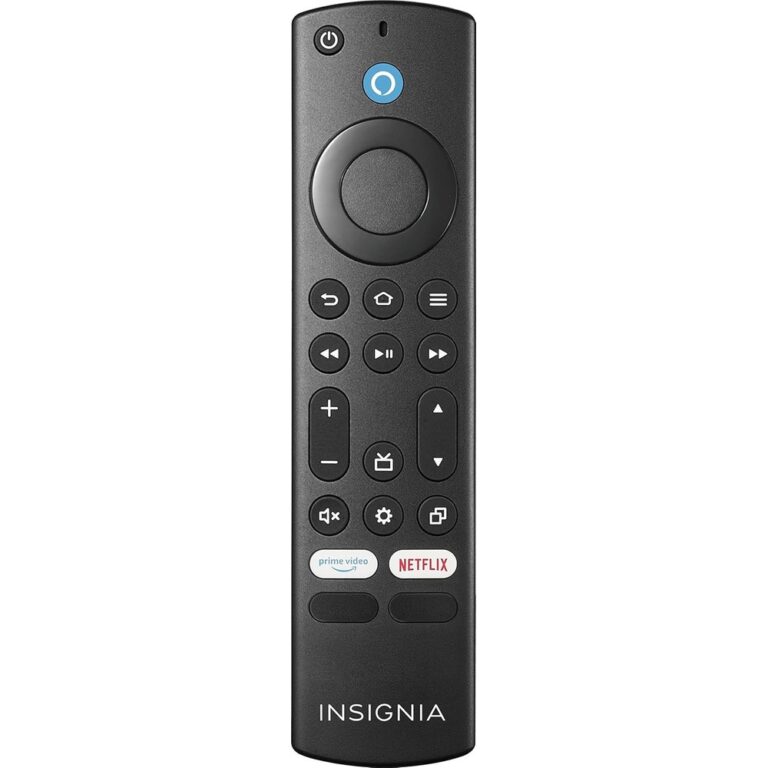
| Amazon Fire TV Stick / Alexa Voice Remote | Stick remotes talk primarily over Bluetooth (voice + navigation). Sticks generally lack a useful IR receiver for menu control. Codes labeled “Fire TV” on many lists are often for Fire TV Edition TVs (IR TV), not the stick. | OEM Fire TV remote or Fire TV app — Stick vs Edition trap |
| Roku Streaming Stick / Express (RF / Wi‑Fi Direct) | Stick remotes are not IR. Standard IR universals cannot “code” them. Some listings correctly distinguish Roku boxes / Roku TVs (often IR) from Roku Sticks (not). | OEM Roku remote or Roku app |
| Chromecast / later Apple TV | Often Bluetooth / cast control paths outside classic IR tables. | Platform remote / phone app |
| Voice, app shortcuts, learning-only keys | Code tables map IR power/nav/volume families. Mic / Alexa / Google buttons and many app keys are not “another series code.” | Expect missing buttons on budget IR universals |
| Brand code ≠ full model coverage | Lists are brand buckets. Exhaust the brand list → then OEM. | OEM after codes fail |
Seller listings that market huge IR libraries often also warn against Roku Streaming Stick and Amazon Fire TV/Stick (RF / non-IR). Use those notices as proof of limits—never invert marketing “all major brands” language into our claim.
When OEM beats a universal
Choose OEM (or OEM-form-factor Bluetooth remote) when any of these are true:
- The lost remote was an LG Magic Remote (pointer / voice) or similar BT remote.
- The device is a Fire TV Stick, Roku Stick, or other Bluetooth/RF-only streamer.
- You need voice search, private listening, or app shortcut keys IR codes never map.
- After trying all codes for the brand (manual / lookup tool), basic keys still fail—OFA book language allows incompatibility and points to OEM (no programming).
- The TV is IR-capable but you want zero programming and the exact button layout—OEM wins on time even if a universal might work.
Choose a code-list IR universal when you are consolidating remotes for IR TVs / cable boxes / IR streamer boxes / soundbars, and you accept that advanced smart features stay on the OEM remote or the device’s apps.
Same-day Amazon examples (limits on the listing)
Draft tag format: legithelp-20. No prices. These are IR universals useful as examples of code libraries + exclusions—not “buy this and control everything.”
-
(
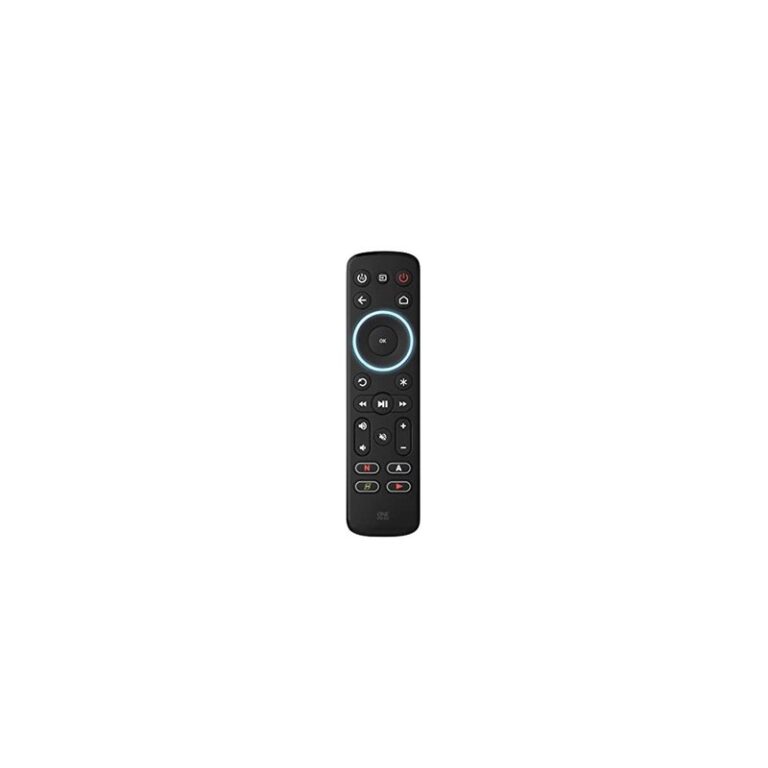
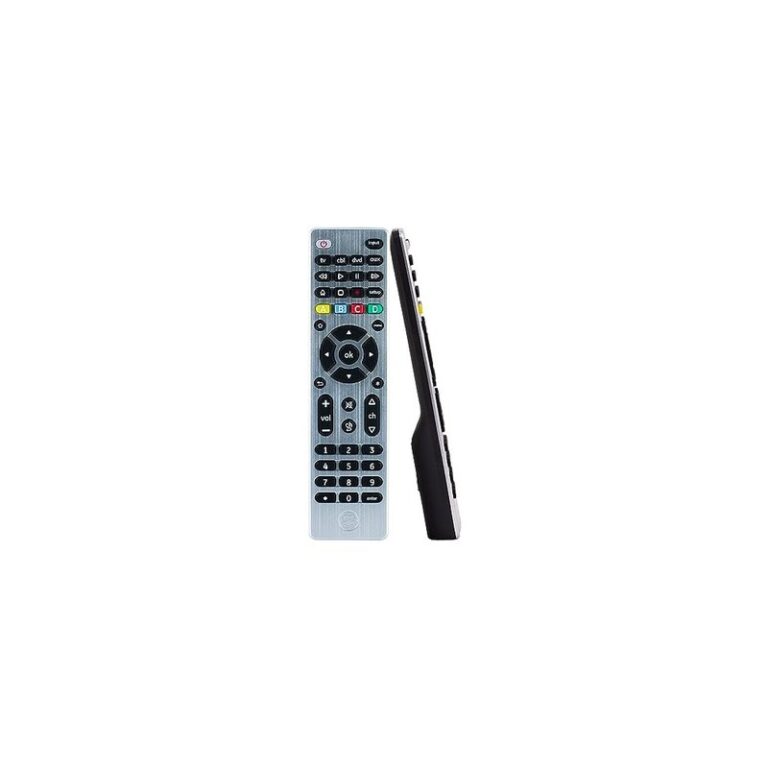
B07R7WNJH7) — In Stock at research. Strong cite for IR control of streamer boxes / TVs / soundbars with explicit non-support for Fire TV/Stick, Chromecast, Roku Stick, and Bluetooth/RF-only functions. -
(
B084XXXNVK) — In Stock. 3-device; Samsung + Roku boxes; not Roku Streaming Sticks. -
(
B01HSSAZX8) — In Stock. Points to an attached code list / Application Guide; bullet: does not work with Roku Streaming Stick or Amazon Fire TV/Stick. Listing marketing may say “all major brands”—we do not restate that as our claim.

Omitted (stock / validity)
B07F1XNWWX(Philips backlit universal) — Currently unavailable at research fetch; skip until back in stock. Its bullets also exclude Roku stick / Fire TV stick / RF devices.B00KOSEWBQ— live 404; discarded, not linked.
Practical flow for replaceyourremote.com readers
- Identify the radio: IR TV/cable box vs Bluetooth Magic vs Fire Stick / Roku Stick RF.
- If Magic / Fire Stick / Roku Stick → OEM path first (cross-links above).
- Else → look up exact make + model in the manufacturer code tool or manual; try codes in order; test Power/Mute and most keys.
- If every brand code fails → OEM replacement (no programming).
- Still need the TV model string? → How to read the model on the back of your TV.
Advanced Bluetooth-hub “universals” exist outside this Week-1 scope—verify each model’s compatibility list if Greg expands later. They are not a free pass past the gaps above.
As an Amazon Associate, we earn from qualifying purchases.