Samsung BN59 / AA59 remote finder by TV model
Stock note (2026-09-11 recheck): Amazon links below were live at publish recheck. OOS ASINs were removed from CTAs.
Lost the Samsung remote and not sure whether you need a BN59- or AA59- part? This page walks the same path Samsung’s own support uses: identify the part (or the TV model), confirm on samsungparts.com, then shop a matching listing—without guessing ASINs or inventing compatibility.
Start here: three identifiers (don’t mix them up)
| What you see | Where | What it’s for |
|---|---|---|
TV model code (e.g. UN55NU7100FXZA) |
Settings → Support → About This TV, or the sticker on the back of the set | Primary key for looking up the correct remote on samsungparts.com |
Remote part number (BN59-######## or AA59-########) |
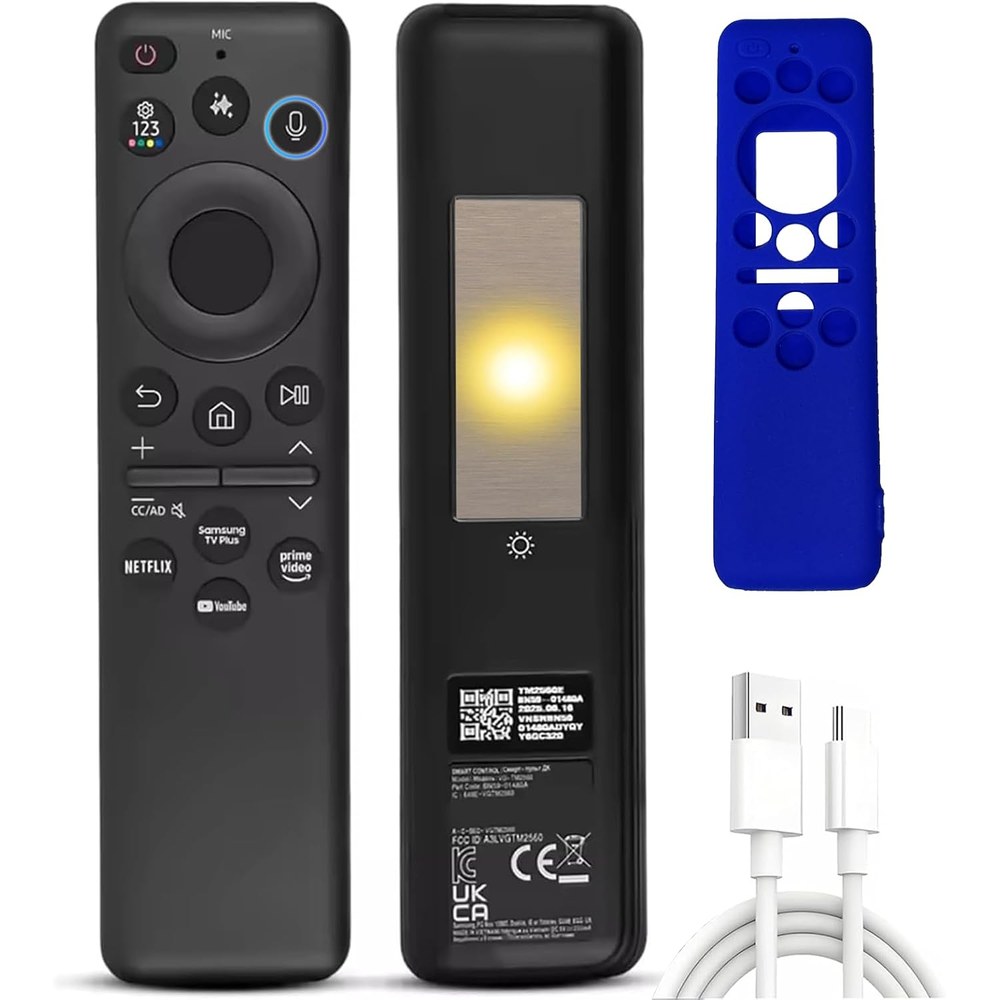
Label on the back of the remote and/or inside the battery compartment | Exact OEM remocon part to match when shopping |
| Serial number | Same TV sticker / About screen | Warranty and support only—not for buying a remote |
If you still have the broken remote, copy the full BN59-… or AA59-… string first. If the remote is gone, get the TV model instead. Do not type a battery-door part number into a TV-model field, and do not use the serial as the model.
Need help reading the back of the set? See How to read the model on the back of your TV.
Official path (OEM ground truth)
Samsung does not sell remotes on Samsung.com. US support directs buyers to samsungparts.com: search by TV model number, then pick the remote line item in the parts list.
- Note the remote part number or the TV model code.
- Open samsungparts.com and search the TV model (preferred when the remote is missing).
- Find the remote control part(s) listed for that model.
- When you shop Amazon, match that exact part string and prefer Brand Samsung when a genuine OEM listing is available.
Samsung Canada support also recommends BN59-01301A as a broad basic IR replacement for core functions when you need a simple remote that works without Smart Remote pairing. Smart / Bluetooth-style remotes still need pairing (typically hold Return + Play/Pause for about three seconds while pointing at the TV).
BN59 vs AA59 — what we can say
Fact: Both BN59-######## and AA59-######## appear as genuine Samsung remocon part numbers on samsungparts.com and on remotes in the wild. Current Smart / UHD / SolarCell catalog listings are heavily BN59; AA59 still shows up on older / entry IR remotes (for example AA59-00666A on the parts collection, and AA59-00741A in aftermarket for early-2010s LED sets).
Inference (not a Samsung glossary): AA59 tends to mark older IR-heavy remotes; BN59 covers most modern Smart / One Remote / SolarCell catalog parts. Samsung does not publish a public HTML glossary that defines the prefix split—so this page will not invent one.
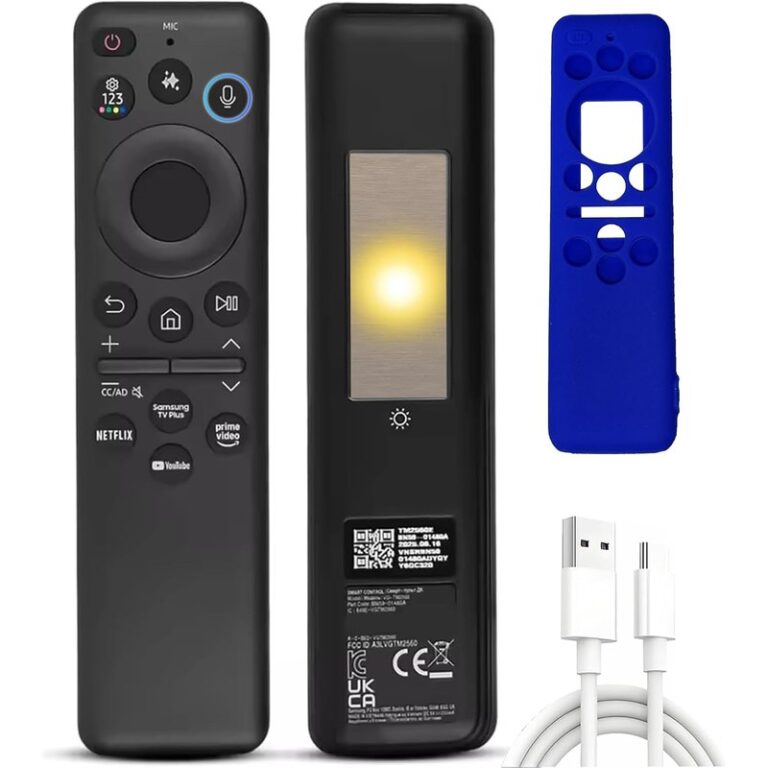
Commercial names like TM2360E are a different labeling layer from the parts ID (e.g. BN59-01455A). Two remotes that “look the same” can still have different BN59 suffixes after small button or color changes.
SolarCell note (BN59-01432A class)
Samsung documents BN59-01432A as a SolarCell remote that charges from indoor light or USB-C and does not ship with disposable batteries. Sealed SolarCell shells may not have a user-serviceable battery door—so the part stamp location can differ from classic AA/AAA remotes. When in doubt, trust the TV model → samsungparts lookup.
Same-day Amazon candidates (OEM first)
Tag used in draft links only: legithelp-20 (Associates domain/tag compliance still awaits Greg). No prices. Stock was verified same-day in research; re-check before publish.
Preferred — Brand Samsung (OEM-labeled, in stock at research fetch)
-
(
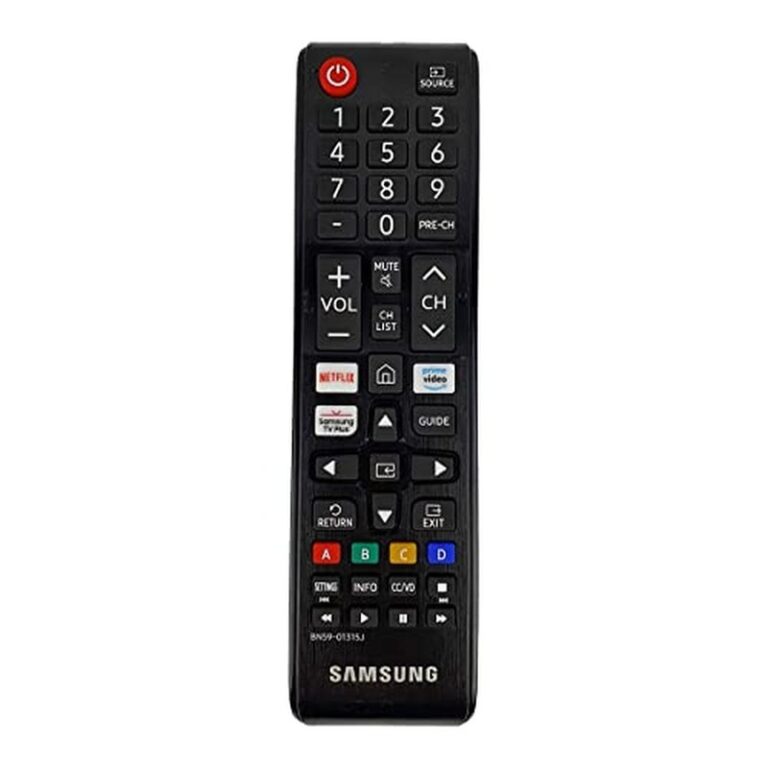
B091BD6KJR) — also listed on samsungparts as BN59-01315J. -
(
B073NP1VGZ) — matches the broad IR part Samsung CA highlights; confirm against your TV’s parts page.
Renewed / claimed-OEM (not Brand Samsung storefront)
-
(
B0CDXSWM1C) — Amazon Renewed; treat as renewed, not factory-new Samsung retail. -
(
B0FGPTY986) — third-party brand claiming OEM form; verify part string against samsungparts before buying.

BN59-labeled third-party replacements (compatible — not OEM)
These are useful when OEM stock is thin. They are not Brand Samsung:
-
(
B0D489FFZT) -
(
B0GSPMMKTT) -
(
B08NP34RDJ) -
(
B08W37GCPM)

AA59 on Amazon — OEM gap (soft blocker)
No Samsung-brand AA59 ASIN was verified in-stock on Amazon same-day. For a genuine AA59 part, prefer the samsungparts lookup for your TV model. Third-party AA59-00741A-style replacements that were live:
Failed or unverified Amazon IDs from research (404 / interstitial) are not linked and were not invented as products.
Pairing and IR basics
- Smart Remote with combined Play/Pause: hold Return + Play/Pause for at least ~3 seconds while pointing at the TV (Samsung CA pairing guidance).
- Standard IR remotes: usually work for core functions once batteries are installed, without Bluetooth pairing.
- Samsung notes that basic IR remotes can work across Samsung TVs/projectors for core functions even when the exact model isn’t listed—but Smart features still need the right Smart Remote and pairing.
Quick decision flow
- Have the old remote? → Copy
BN59-…/AA59-…from the back or battery bay. - No remote? → Settings → Support → About This TV (or rear sticker) for the TV model.
- Confirm the remote line on samsungparts.com.
- Shop Amazon matching that part string; prefer Brand Samsung when live.
- AA59 genuine OEM? → samsungparts first; Amazon AA59 rows above are third-party only until a Samsung-brand ASIN is verified.
Cross-links: LG Magic Remote vs IR · Fire Stick vs Edition trap · Universal series-code limits
As an Amazon Associate, we earn from qualifying purchases.