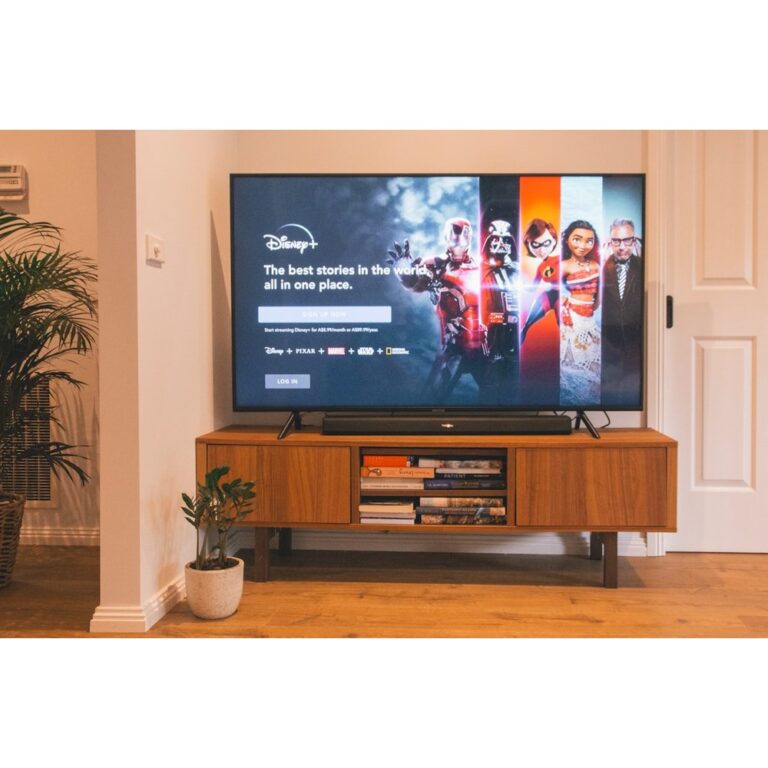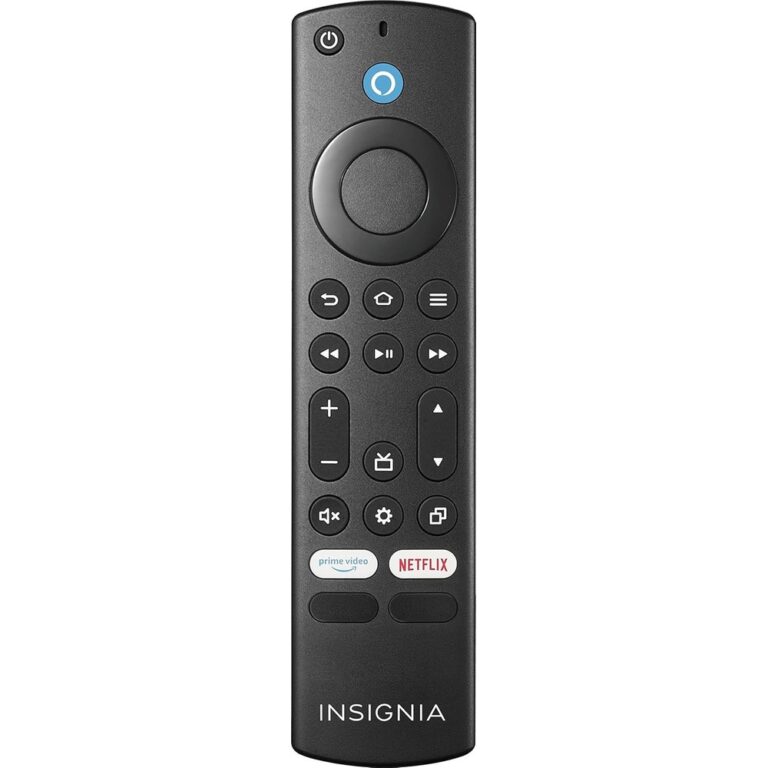
Fire TV Stick remote vs Fire TV Edition TV remote (compatibility trap)
Stock note (2026-09-17): Amazon buy links below were live and In Stock (add-to-cart) at same-day recheck. Associates tag legithelp-20. No prices.
They look alike. They both say “Fire TV.” They both ask you to hold Home for ten seconds. And they still will not pair if you bought the wrong class. This page is a compatibility triage—not a guess-an-ASIN catalog.
The trap in one sentence
Stick / Cube streaming remotes and Fire TV Edition / built-in smart TV remotes (Insignia, Toshiba, and similar) are not interchangeable, even though the pairing UI looks the same. Amazon Help states it upfront: “Not all remotes are compatible with every Fire TV device.”
Amazon Community threads spell out the failure mode buyers hit: a Fire Stick remote generally will not run a Toshiba Fire TV Edition set; an Insignia Fire TV remote is not for a regular Fire Stick. Failed pairing then looks like dead batteries or a “Pairing failed” screen—not a clear “wrong SKU” error.
Identify your device class first
| Class | What you own | Remote family to shop |
|---|---|---|
| A. Stick / Cube streamer | Fire TV Stick, Stick 4K / Max / Lite / HD, Fire TV Cube (plugged into a TV) | Alexa Voice Remote (Stick-class), e.g. newest Stick remote below |
| B. Fire TV Edition / built-in smart TV | Insignia, Toshiba, or other “Smart TVs with Fire TV Built-in” where Fire TV is the TV OS | Brand Edition replacement remote — or Alexa Voice Remote Pro only after checking Help + product exclusions |
| C. Amazon Omni / 2-Series / 4-Series | Amazon’s own Fire TV smart TVs in those lines | Alexa Voice Remote Enhanced class |
If you are not sure which you have: look at the TV’s about/settings screen or the sticker on the back for brand + model (how to find the TV model). A Stick plugged into a “dumb” TV is still class A—the Stick owns the remote, not the panel brand.
What Amazon Help tables actually say
On Amazon’s Devices Compatible with Fire TV Remotes Help page:
- Alexa Voice Remote Pro lists Fire TV Stick/Cube family and Amazon Fire TV Smart TVs and the category “Smart TVs with Fire TV Built-in — All Smart TVs with Fire TV Built-in,” with notes that Pro is not compatible with certain Element and Westinghouse Amazon Fire TV Smart TVs.
- Alexa Voice Remote (2024 Release) and (3rd Generation) tables list streaming sticks / Cube (+ Echo Show) — no “Smart TVs with Fire TV Built-in” row.
- Alexa Voice Remote Enhanced is scoped to Amazon Omni / 2-Series / 4-Series (plus limited Stick/Cube gens)—not a general Stick remote and not a general third-party Edition remote.
Soft blocker: Pro Help exclusions and Pro product-page exclusions differ slightly (Help mentions Element/Westinghouse; the Pro /dp/ bullets also list Element Fire TV Edition, Insignia HD/FHD, Hisense U6HF, etc.). This draft does not invent a merged official exclusion list. Check both the Help table and the product bullets for your exact TV before buying Pro for an Edition set.
Pairing UX (same steps, wrong remote still fails)
With an original remote (Amazon Help — Pair Another Fire TV Remote):
- Settings → Controllers & Bluetooth Devices → Amazon Fire TV Remotes → Add New Remote.
- Insert batteries; if not listed, hold Home ~10 seconds.
Without an original remote: unplug/replug the device, wait for the remote detection error, insert batteries, hold Home if needed.
Troubleshooting Help covers batteries, distance, Home hold, remote reset (Left + Menu + Back ~12s), power-cycle, and a cap of seven paired controllers. None of that fixes a Stick remote aimed at an Edition TV.
Same-day Amazon remote candidates
Draft tag format: legithelp-20. No prices. All three ASINs below were live and In Stock at research fetch.
Stick / Cube owners — primary
Live bullets (compat-critical): compatible with Fire TV Stick Lite, Stick HD, Stick (3rd Gen and later), Stick 4K family, Stick 4K Plus / Max (listed gens), Fire TV Cube (2nd Gen and later), and Echo Show 15. Not compatible with Fire TV (1st–3rd Gen), Fire TV Stick (1st and 2nd Gen), Fire TV Cube (1st gen), or Fire TV Edition smart TVs.
If you own an Edition TV, do not buy this Stick remote hoping it will pair.

Cross-class / Pro — only after Help + bullet check
Compatible with most Fire TV streaming media players, Amazon Fire TV smart TVs, and smart TVs with Fire TV built-in—with exclusions on the product page (including Element Fire TV Edition, Insignia HD/Insignia FHD, Hisense U6HF 4K ULED Fire TV Series, older Fire TV gens, Echo Show 15, and more). Pro is the official Amazon Devices remote Help positions as spanning Stick and many built-in Edition TVs—still verify your model.

Amazon Omni / 2-Series / 4-Series — Enhanced only
Only compatible with Fire TV Omni Mini-LED / Omni QLED / Omni Series, Fire TV 4-Series, Fire TV 2-Series, plus Fire TV Cube (3rd Gen) and Fire TV Stick 4K Max (2nd Gen). Not compatible with most Fire TV streaming media players, other smart TVs, or Echo Show 15. Do not use Enhanced as a general Stick or third-party Edition fix.
Compat note: Enhanced is narrow — Amazon Omni / 2-Series / 4-Series (plus limited Stick/Cube gens listed on the product page). Not a general Stick or Edition remote.

Edition OEM ASINs — gap (soft blocker)
Same-day research did not live-fetch Insignia or Toshiba Fire TV Edition OEM replacement remotes. This page will not invent those ASINs. If you own an Edition TV and Pro is excluded (or you prefer brand OEM):
- Confirm brand + TV model from Settings or the rear sticker.
- Search Amazon / the brand parts path for “[brand] Fire TV Edition replacement remote” matching that model.
- Prefer listings that name your TV model or remote part string over generic “Fire Stick remote” titles.
A follow-up research packet can add verified Edition OEM ASINs later.
Decision flow
- Class? Stick/Cube vs Edition TV vs Amazon Omni/2/4.
- Stick/Cube →
B0CJZFM5NB(excludes Edition). - Edition → do not use Stick remote; consider Pro only after dual-check Help + bullets; else brand Edition remote (no guessed ASIN here).
- Omni/2/4 → Enhanced
B0B9HX4TGV. - Still confused? Pairing Help: Pair Another Fire TV Remote · Compatible devices.
Related: universal remotes miss Fire Stick Bluetooth · find your TV model.
As an Amazon Associate, we earn from qualifying purchases.