Fire Stick Remote Won’t Control TV Power or Volume
As an Amazon Associate I earn from qualifying purchases.
Stock note (2026-09-17): Replacement remotes below showed add-to-cart at same-day recheck (some with low remaining quantity). Tag legithelp-20. No prices.
Your Fire remote opens apps and moves around the menus — but TV power and volume do nothing (or only work sometimes). That is usually not a pairing failure. Navigation and TV control are different jobs.
Rule out wrong remote class first
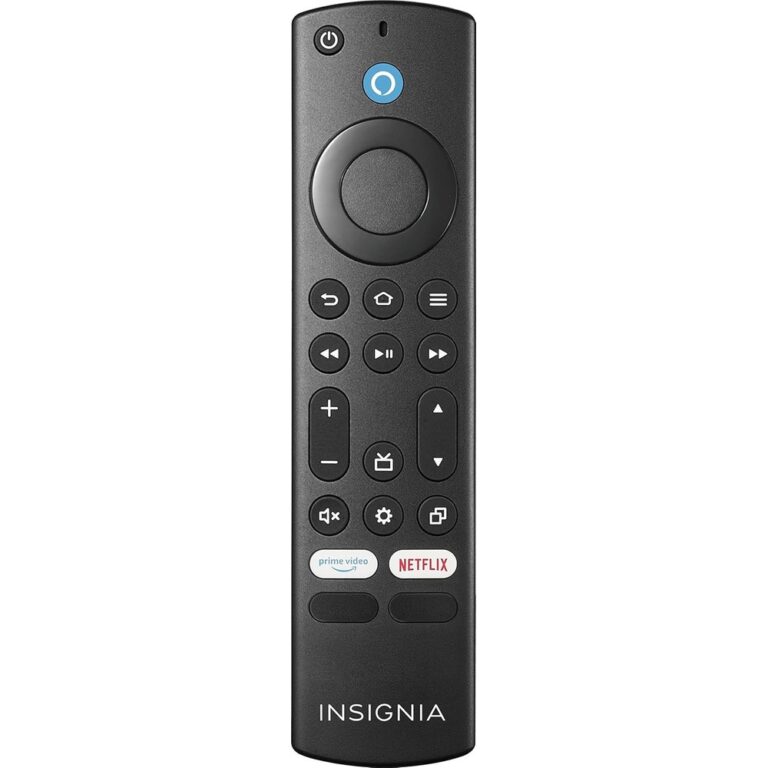
If the TV is an Insignia/Toshiba Fire TV Edition (Fire TV built into the set), a Stick-class remote may never fully behave. Start at Fire Stick vs Edition and the Edition remote finder. The rest of this page assumes a Stick/Cube-class remote plus an external TV.
Why menus work but volume does not
Fire remotes typically talk to the Stick for navigation over a paired link. TV power and volume usually need the remote’s IR (or the TV’s HDMI-CEC path) set up under Equipment Control. “Paired” does not mean “TV volume works.”
Fix checklist
- Line of sight — IR needs a clear path to the TV’s IR window. Cabinets and soundbar stacks block it.
- Equipment Control — On Fire TV: Settings → Equipment Control → Manage Equipment → TV. Confirm the brand matches; use Change TV / Add Equipment and finish the on-screen flow. Amazon Help: What Is Equipment Control with Fire TV? · Volume, Power, or Mute Buttons Not Working.
- HDMI-CEC on the TV — Enable CEC (Samsung Anynet+, LG Simplink, etc.). Try another HDMI port. Soundbars can steal volume routing.
- Batteries + remote reset — Fresh batteries; optional Left + Menu + Back about 12 seconds; re-pair if needed (Pair Another Fire TV Remote).
- Soundbar / AVR in the middle — Set Equipment Control to the device that should own volume.
Quick self-test
Point the remote at the TV IR window in a dim room and press volume while watching for an IR flash (phone camera often shows it). If navigation works from across the room but volume never moves the TV OSD — even with Equipment Control set to your brand — treat IR programming or CEC as the next fix before you buy a new remote.
If Equipment Control cannot find your brand after several tries, try Add Equipment again, power-cycle the Stick and TV, and confirm you are not aiming at a soundbar that owns CEC volume. Only then use the Stick-class replacement rows below.
When to replace the remote
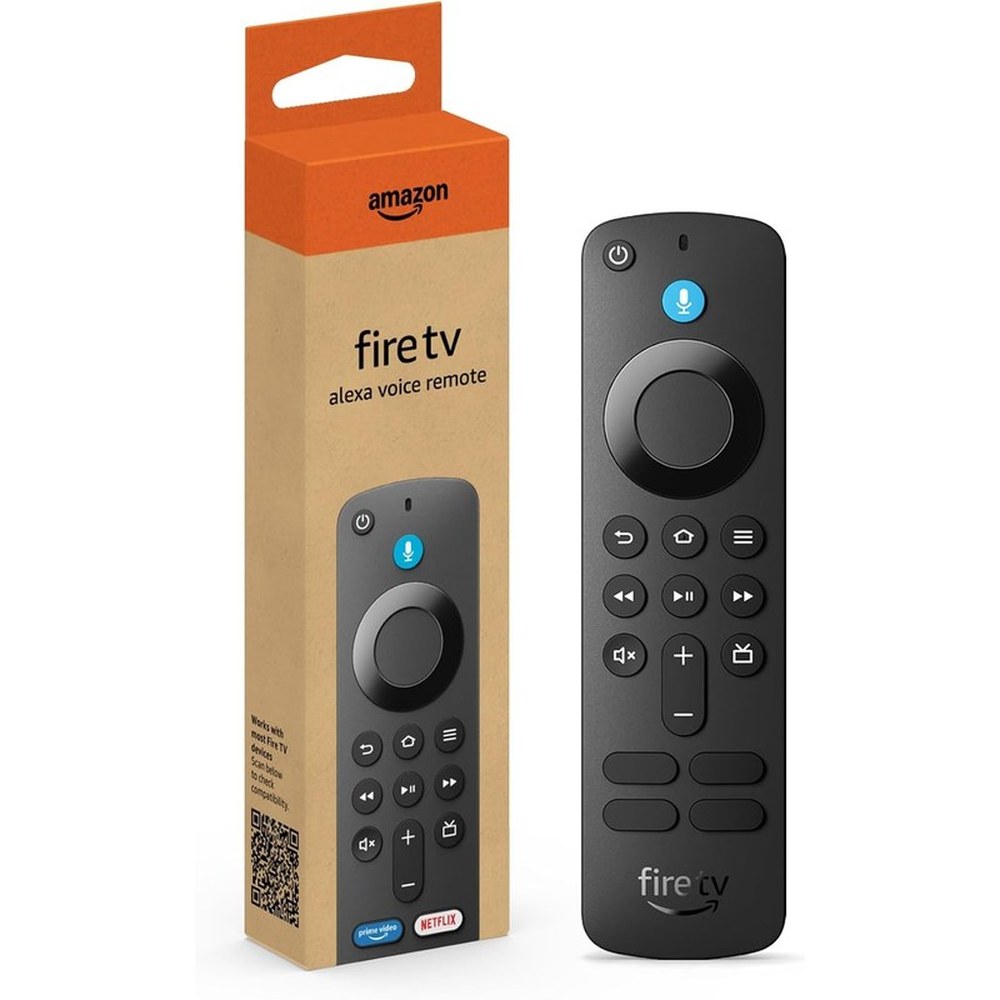
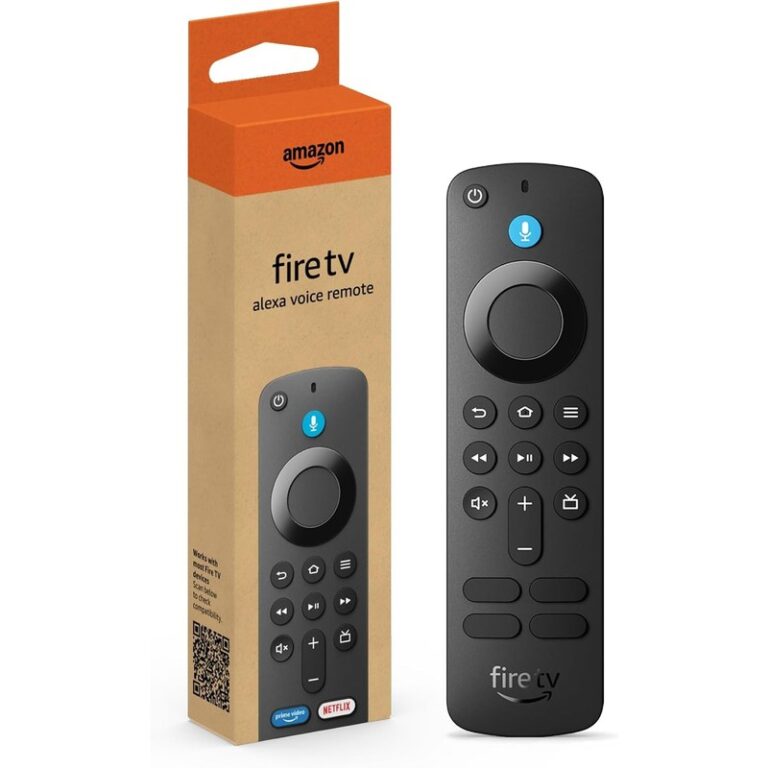
Replace after the checklist if IR fails, buttons are dead, or Equipment Control never completes. Buy rows below are Stick-class OEM keepers from the same-day stock gate — not Edition OEM remotes.
-
— primary Stick-class; not for Edition TVs.
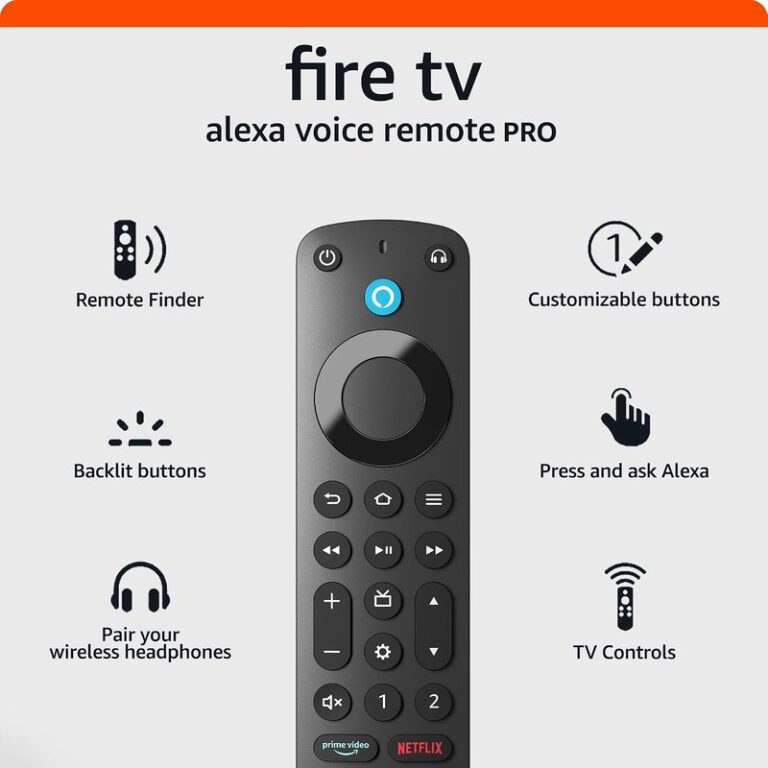
-
— Pro features; still program TV control; not a substitute for Edition OEM on Edition TVs.
-
— compat-gated (Omni / 2-Series / 4-Series focus plus limited Stick/Cube gens on the listing). Not a general Stick or Edition fix.
FAQ
- Why does the Fire remote change apps but not volume? Often IR / Equipment Control / CEC — not pairing.
- Do I need a new remote? Only after the checklist; then use Stick-class OEM above.
- Will Pro fix volume automatically? No — still program TV control.
- Stick remote on an Edition TV? Wrong path — use the Edition finder.
Related: Stick vs Edition · Edition remote finder · find your TV model.