Insignia & Toshiba Fire TV Edition Replacement Remote Finder
As an Amazon Associate I earn from qualifying purchases.
Stock note (2026-09-17): Amazon links below were live with add-to-cart at same-day recheck. Tag legithelp-20. No prices. Soft: some third-party rows were low quantity — re-check before you buy.
If your TV is an Insignia or Toshiba set with Fire TV built in, a Fire Stick remote often will not pair — even when the on-screen steps look identical. This finder is for Fire TV Edition replacement remotes, not Stick-class remotes.
Edition TV or Stick?
- Edition — Insignia, Toshiba, or similar “Smart TV with Fire TV Built-in” where Fire TV is the TV’s OS.
- Stick / Cube — a streamer plugged into any TV. Shop Stick-class remotes on Fire Stick vs Edition instead.
Wrong class is the usual reason “hold Home for 10 seconds” fails with fresh batteries.
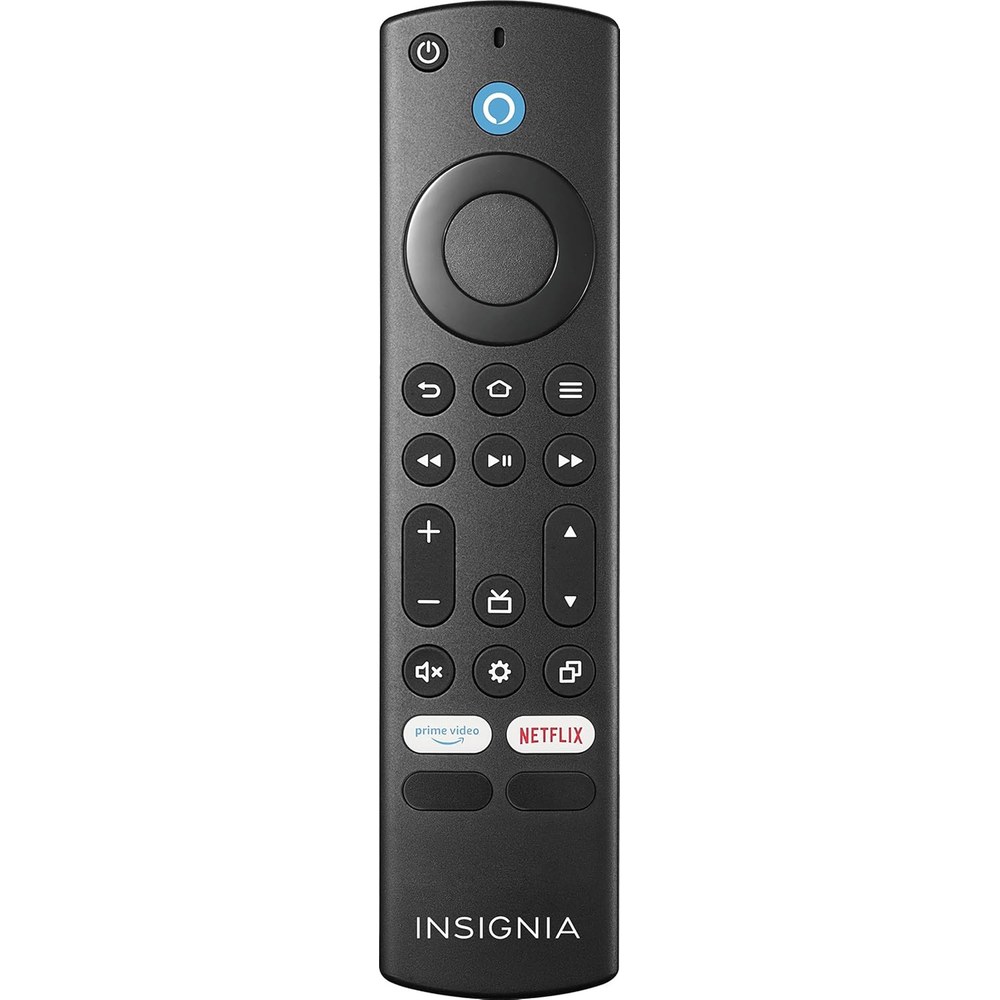
Primary buy — Insignia OEM NS-RCFNA-21
Live listing class (2026-09-17): Insignia Fire TV Replacement Remote for Insignia and Toshiba — model NS-RCFNA-21.
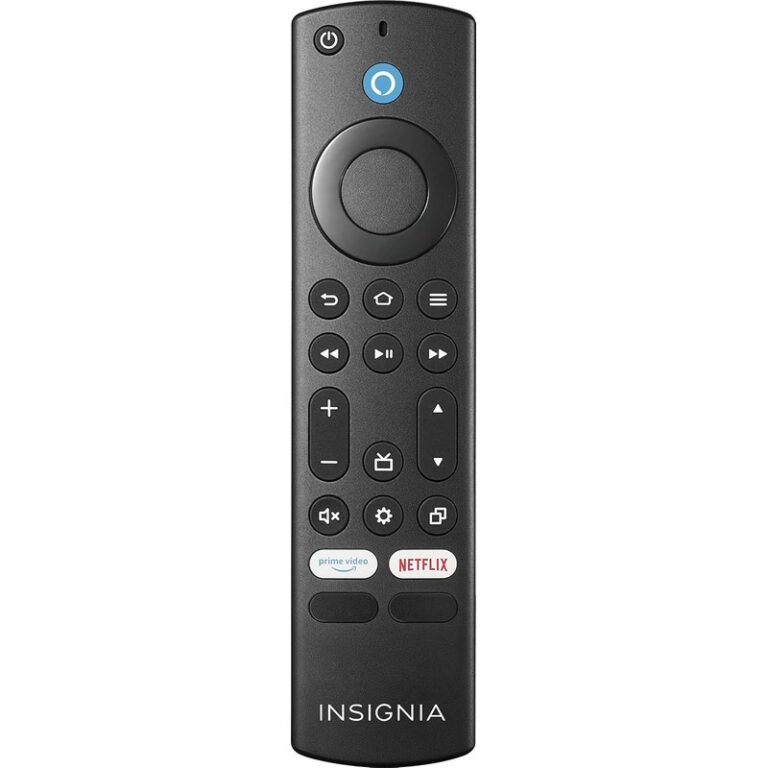
is the primary keeper from same-day stock. Prefer the Insignia / Visit the INSIGNIA Store row. Confirm the model string on the listing and on the remote before you order.
Optional rows (label clearly)
-
— secondary Renewed path; label Renewed on the listing.
-
— not Insignia brand; low stock at fetch.
-
— not Insignia brand; limited stock at fetch.
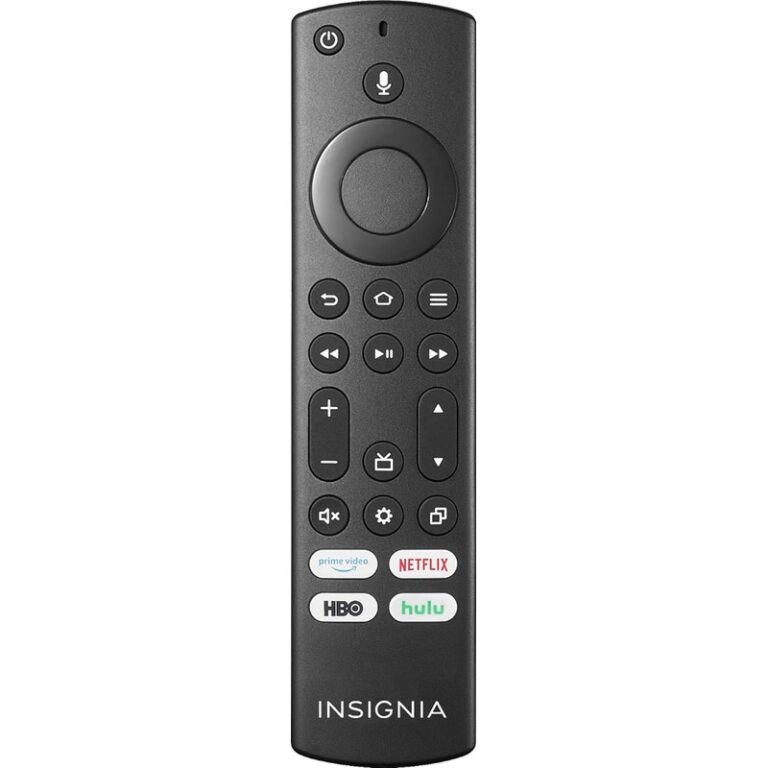
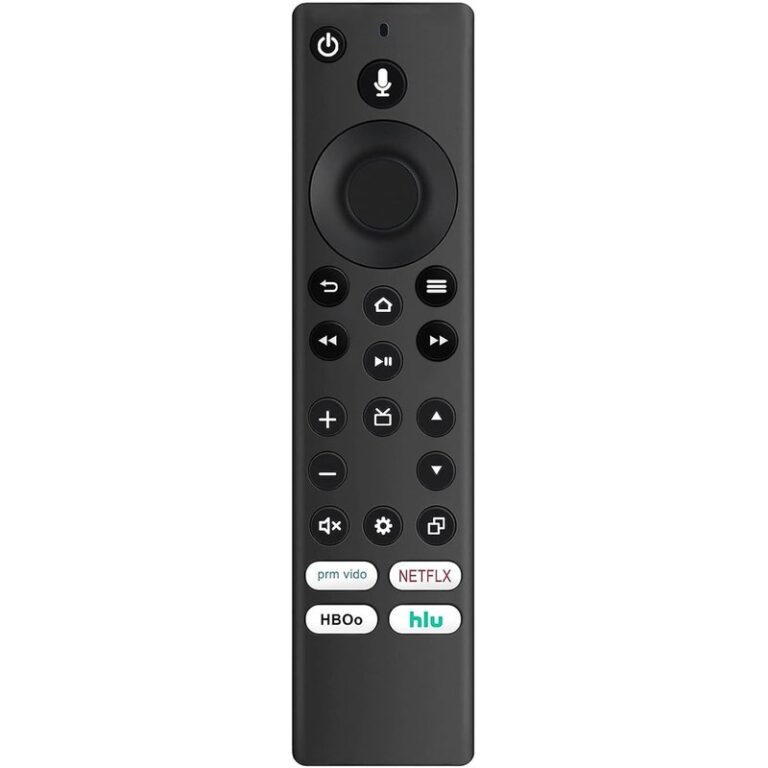
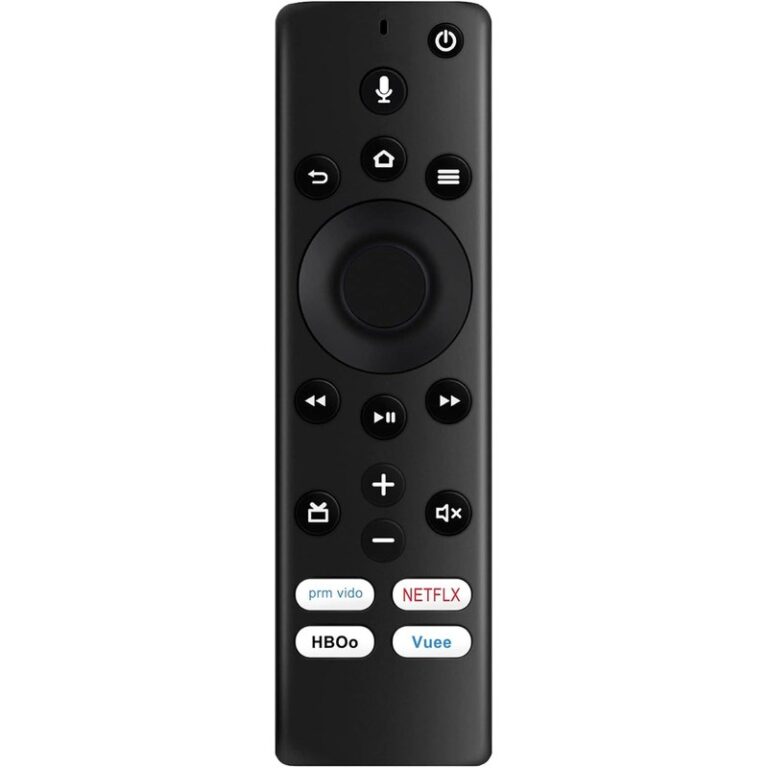
Omitted (failed same-day gate): B07YN2NX4Y (unavailable), B08CVSN8LW (empty/404).
What not to buy for Edition TVs
A standard Stick Alexa Voice Remote (B0CJZFM5NB) lists Fire TV Edition smart TVs as not compatible. Do not use it as the Edition finder buy. Alexa Voice Remote Pro may list many built-in Fire TV TVs — still check your model exclusions; the safer first buy for Edition owners remains a brand Edition remote.
Pairing after you have the right remote
- Settings → Controllers & Bluetooth Devices → Amazon Fire TV Remotes → Add New Remote.
- Insert batteries; if needed, hold Home about 10 seconds.
Help: Pair Another Fire TV Remote. If pairing still fails after a correct Edition remote, re-check the TV model and listing compatibility — wrong SKU class is still the first diagnosis.
Confirm your TV model before you buy
Open Settings on the TV (or check the sticker on the back) for brand + model. Prefer listings that name your TV model or the remote part string (NS-RCFNA-21 for the primary Insignia path) over generic “Fire Stick remote” titles. If the listing only talks about Stick/Cube streaming devices, it is the wrong class for an Edition TV.
Compatibility matrices for every Insignia/Toshiba year are not on this page. Soft rule: match the listing’s model language to your TV, then use Amazon’s return window if the remote still will not register after a correct Edition SKU.
FAQ
- Will a Fire Stick remote work on my Insignia/Toshiba Fire TV Edition? Generally no.
- What is NS-RCFNA-21? Insignia’s Fire TV replacement remote model covering Insignia/Toshiba Edition class — confirm on the listing.
- Can I use Alexa Voice Remote Pro instead? Pro lists many built-in Fire TV TVs; still check exclusions. Brand Edition remote is the safer first buy.
- Why does hold-Home fail? Often wrong remote class, not dead batteries.
Links
Related: Fire Stick vs Edition · find your TV model.